skillSYMS is on the App Store
The skillSYMS iOS app is out of beta and live on the App Store, free, in every country Apple serves. Evidence capture, offline registers, geo-fenced clock-in and learner self-service — one tap from your iPhone or iPad.
On this page(4 sections)
Apple marked skillSYMS 2.0 Ready for Distribution on 8 September 2026. The iOS app is now live on the App Store — free, no invite link, no TestFlight, and available in every country Apple serves.
Download skillSYMS on the App Store →
Why this is more than a version number
For most of a year, the honest answer to “can I put skillSYMS on my phone?” was: yes, if I send you an invite and you install Apple’s beta app first. That works for seventeen testers. It does not work for a facilitator standing in a workshop with a register to take, or for a learner who needs their proof of registration before an interview on Tuesday morning.
A beta invite is a gate, and every gate loses people. TestFlight builds also expire after 90 days, so a colleague who installed the app in March quietly stopped having it in June. None of that is true any more. It is in the store, it stays installed, and it updates itself.
What you can do with it
Capture evidence where the evidence is. Photograph or film a learner’s practical work and tag it to the right module and outcome on the spot. The alternative — emailing yourself a photo and filing it “later” — is where portfolios of evidence go to die before an audit.
Take a register with no signal. Attendance works offline, including QR and geo-fenced check-in when you are on site. Marks queue locally and sync the moment the phone finds a connection.
Clock in from the site you are actually on. Learners and staff clock in and out where the work happens, geo-fenced to the site. Approvals stay in the web app, where a supervisor can see them.
Give learners their own record. Programme progress, results, proof of registration and the student card — without a phone call to the provider’s office.
Roles get their own app. Learners, facilitators, assessors, moderators, employers and admins each see a set of tabs built for what they do, not a single menu with everything greyed out.
What is not in this announcement
Android. com.skillsyms.mobile is in open testing on Google Play, which is two steps and
only works in that order:
- Join the test with the Google account on your phone.
- Then install from Google Play.
The public store page returns a not-found error for anyone who has not joined, so searching for it will not work. Use the join link. When the Android listing goes public we will say so here.
Getting started
- Open the App Store listing on your iPhone or iPad, or search skillSYMS.
- Tap Get. It is free.
- Sign in with the credentials you already use on the web. If you work with more than one provider, choose which one when prompted.
Full walkthrough: Mobile app: getting started.
Requires iOS 15 or later.
What's new in skillSYMS
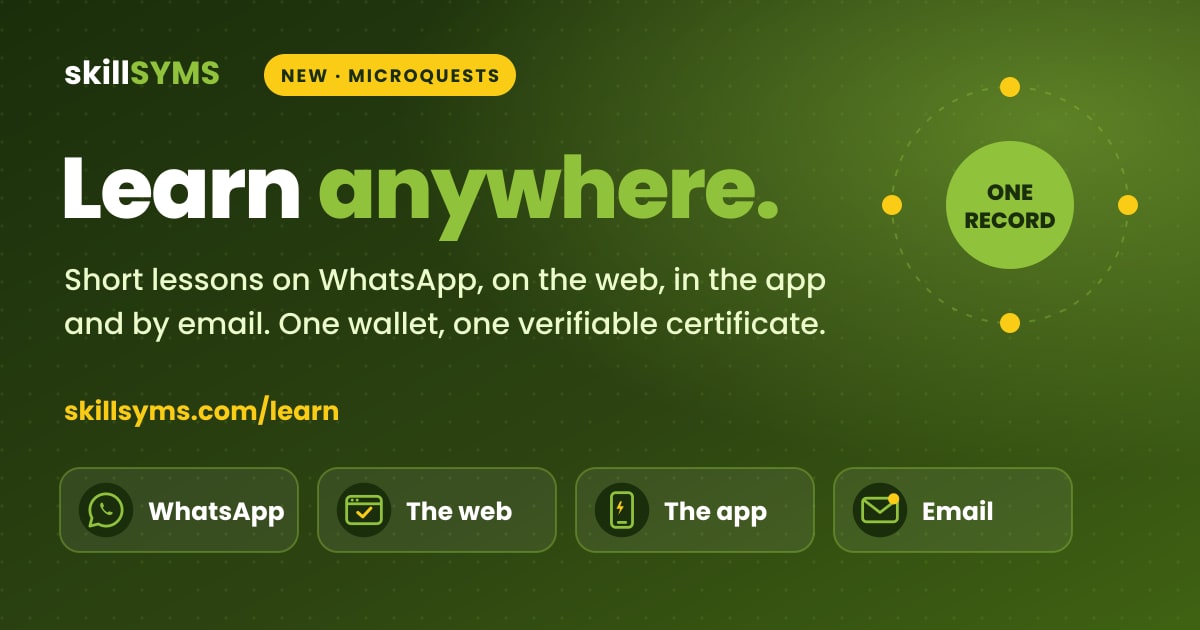
- MicroQuests in the browser, in the app and by email
- skillsyms.com/learn: take LearnChat MicroQuests in any browser with buttons instead of chat replies. You get the same quests, wallet, progress and certificates as on WhatsApp
- Learn by email: anyone can ask for a personal learning link on skillsyms.com/learn. There's no account and no password, and the link keeps you signed in on that device for 30 days
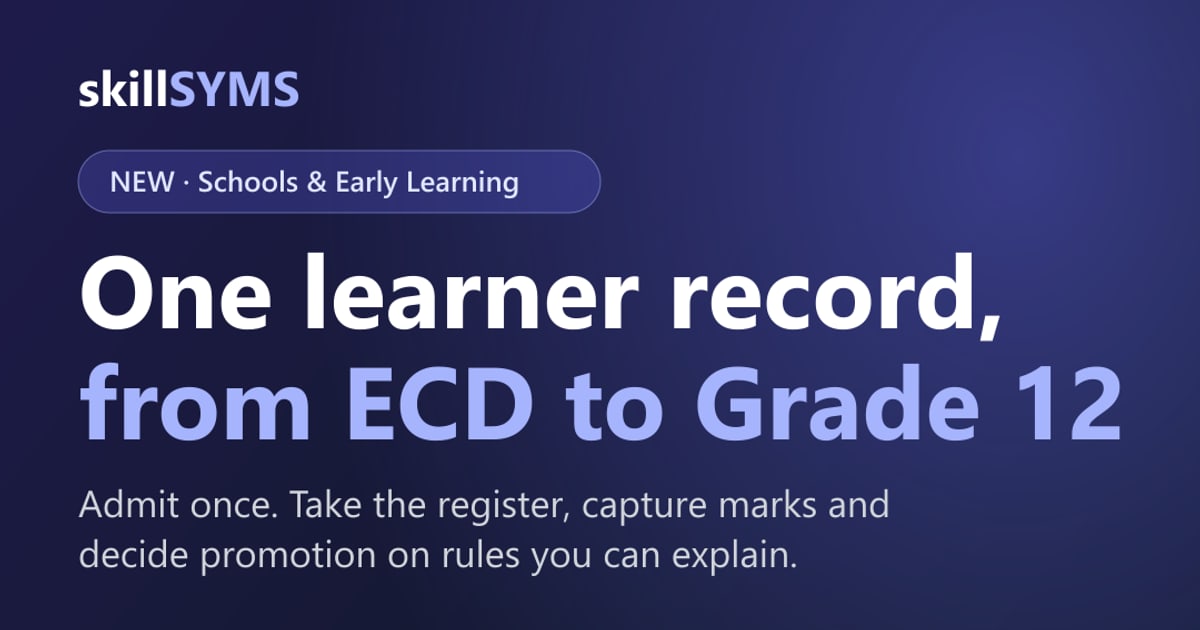
- Schools & Early Learning (alpha): grades, registers, marks, promotion and SA-SAMS import
- Learners → Schools & ECD: set up a school or ECD centre under its provincial department, with grades, classes and subjects for each academic year
- Choose your institution type (primary, secondary, combined, independent, ECD centre and more) to switch on the matching pack
- Schools & Early Learning: learner support, behaviour, governance, ECD development and a guardian portal
- My classes: a teacher's registers still to take today, open assessment tasks and which learners need accommodations
- Teaching assignments and teaching scope: start by observing captures outside a teacher's classes, then limit teachers to their own classes and subjects
Ready to simplify your QCTO compliance?
See how skillSYMS can help your organisation manage digital PoE and MIS exports.